
The bigger opportunity isn’t just getting help with one task. It’s giving AI ongoing responsibility for the work that keeps your business moving.
Most AI tools wait for you.
You open a chat. You type a prompt. You get an answer. Then you come back the next time you need something.
ChatGPT Dots work differently.
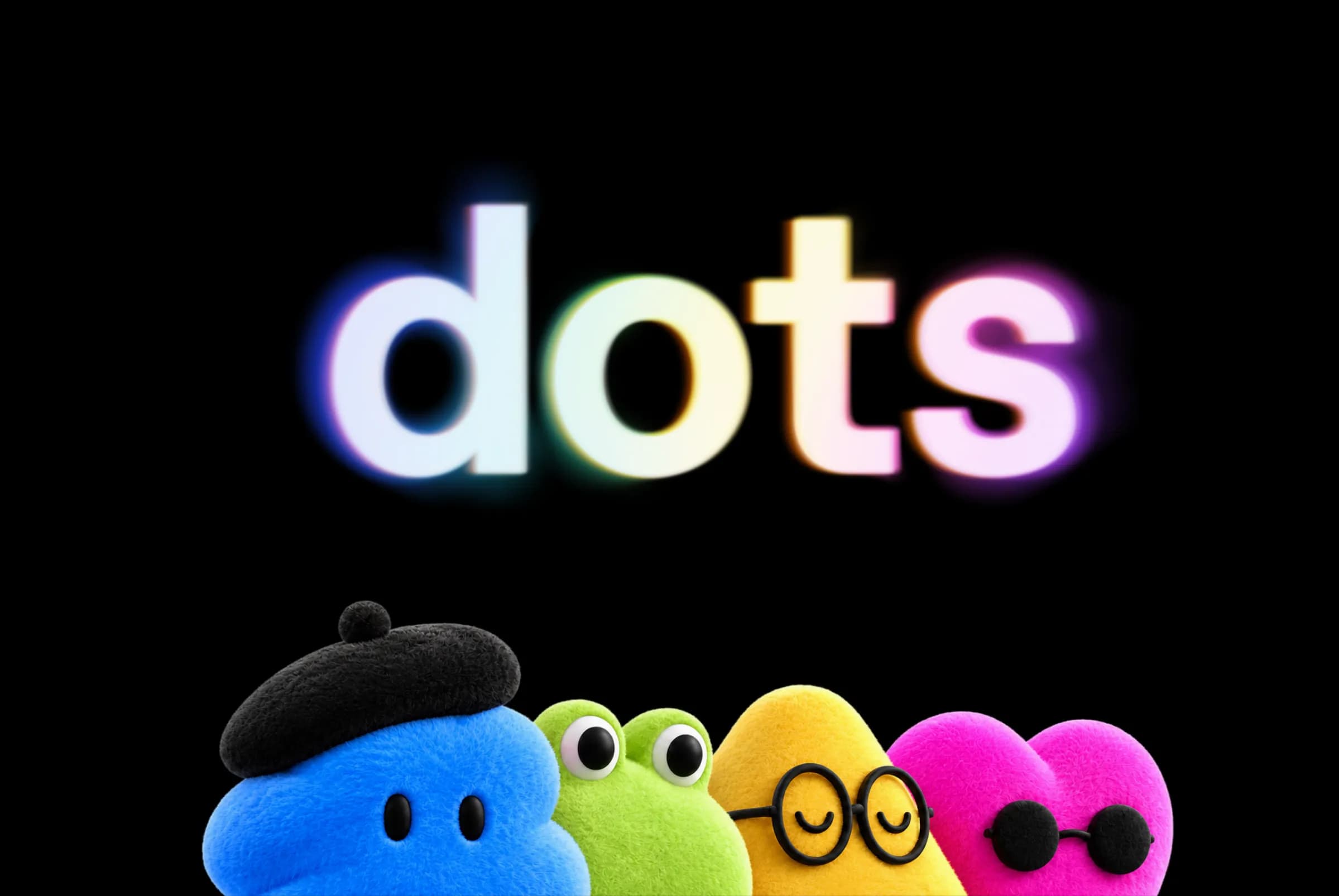
Similar to Meta's Muse, OpenAI’s Dots come with playful, customizable avatars. Image source: OpenAI
A Dot is an always-on AI agent powered by GPT-6 Astra, which is currently OpenAI’s most capable model for complex work across research, apps, and computer use. It has its own cloud computer and browser, can work across connected apps, and can keep making progress between conversations. If you choose to connect your own computer, it can also work with local files, code, and apps there. ChatGPT Learn
For coaches, creators, and experts, that opens up a much bigger question than:
What can AI write for me?
The more interesting question is:
What work could AI keep moving in the background so I don’t have to start every task myself?
Think about the possibilities.
A Dot could research the topics you teach every morning and flag what actually changed.
It could watch for new tools relevant to your business.
It could help you prepare before a workshop, organize audience questions, keep launch materials aligned, or help you get your priorities straight at the start of the day.
It can also use context from connected information and your previous work to figure out what may deserve attention next. OpenAI describes Dots as agents that can research, analyze data, prepare documents, and work across tools and projects while bringing you back in when a decision needs your judgment. ChatGPT Learn
That’s where this gets interesting.
The big shift: AI that doesn’t wait for the next prompt
Most AI tools are reactive. You ask for something, get an answer, and come back later when you need help again.
A Dot can take on an ongoing responsibility instead. Give it a goal, connect the tools and information it needs, and it can keep work moving between conversations. ChatGPT Learn
That changes the question from:
What can ChatGPT help me do right now?
to:
What part of my business could this keep helping with every day?
That is the shift worth understanding.
What can a Dot actually connect to?
This is one of the most important parts of the opportunity.
Your Dot has its own cloud computer and browser. It can use that environment for research, documents, data analysis, software work, and supported websites. Cloud work can continue while your own devices are off. ChatGPT Learn
You can also connect supported apps so your Dot can work with information relevant to your business. And if you choose to connect your own computer through the ChatGPT desktop app, it can work with local files, code, and apps there as well. Local computer access is optional, and your computer needs to remain online with the ChatGPT app open while the Dot is using it. ChatGPT Learn
Put those pieces together and the opportunity gets much broader:
Web research + connected apps + cloud computer + your files + recurring work + GPT-6 Astra.
Dots are powered by GPT-6 Astra, which OpenAI describes as its most capable model for demanding work including complex reasoning, research, document creation, coding, and computer use. OpenAI Developers
For a creator running a lean business, that starts to look less like another AI tool and more like an extra set of hands across the business.
8 high-leverage ways coaches and creators could use a Dot
You do not need to use a Dot for everything. Start with one useful job and see how it fits into your actual week.
The more interesting opportunity is not getting AI to produce another draft on demand. It is giving it useful work that normally requires you to remember, check, gather, organize, or follow up.
Here are eight very different ways that could look.
1. Stay current on the topics you teach
If you teach something fast-moving—AI, marketing, creator tools, ecommerce, business strategy, or technology—staying current can quietly become a second job. You could schedule your Dot to research your core topics every morning and only surface developments that actually matter to your audience.
For example:
Every weekday morning, research the most important developments in the topics I teach. Prioritize primary sources and meaningful changes over general news. Tell me only what could affect my content, recommendations, or lessons.
Instead of manually checking ten websites every day, your Dot can do the initial scan and bring the most relevant developments to you. You still decide what deserves your attention and what is worth sharing with your audience.
Dots support recurring scheduled work, and their cloud computer can be used for web research. ChatGPT Learn
2. Run a daily chief-of-staff check-in
For a solo creator, coach, or expert, one of the hardest parts of the day can simply be figuring out what deserves attention first. Your calendar is full, your task list keeps growing, a launch may be coming up, someone is waiting on a reply, and there are probably a few things you meant to finish yesterday.
A Dot can review the connected context you authorize and help you orient the day. You might ask:
Every morning, review my calendar, current priorities, and open work. Tell me the three things that most deserve my attention today, anything I may be forgetting, and anything you can help move forward.
This is where the always-on part starts to matter. You are not just asking AI to complete one task. You are asking it to help you keep the week from slipping and surface the work that needs you most.
OpenAI specifically uses calendar review as an example of work you can give a Dot. OpenAI Help Center
3. Turn your inbox into a decision queue
Your inbox probably contains more than email. It contains decisions.
A partnership request may need a response. A sponsor may be waiting for details. A customer may have a question. A podcast invitation may need an answer. There may be a thread you forgot to follow up on or something that needs your approval before anyone else can move forward.
If you connect a supported email app, your Dot can help review the messages you authorize, surface what actually needs your attention, and prepare draft responses where appropriate.
For example:
Each morning, review new messages and separate them into: needs my reply, needs a decision, can wait, and no action needed. Draft replies for the messages that are straightforward, but do not send anything.
Instead of treating every unread message as equally important, you start with a short list of decisions. That can make your inbox much more useful as a work queue instead of another place that demands attention all day.
OpenAI documents connected apps, including email, as context Dots can use subject to your permissions. ChatGPT Learn
4. Prepare for calls, interviews, and workshops
Meeting prep is one of those jobs that is easy to underestimate until you have three conversations back-to-back.
Before a coaching call, podcast interview, partnership meeting, or workshop, a Dot could gather the information you authorize and prepare a concise brief. That might include who you are meeting, previous notes, relevant emails or documents, open questions, decisions from the last conversation, and anything useful you may want to revisit.
You could ask:
Before each coaching call, prepare a one-page brief using the client notes, previous action items, and relevant emails I’ve shared. Remind me what we discussed last time, what they committed to doing, and anything I should follow up on.
Instead of spending the first few minutes of every meeting trying to remember where you left off, you walk in already oriented. The Dot handles the digging so you can stay present for the part that actually needs you.
5. Turn raw content into a publishing pipeline
You probably did not start a podcast because you love writing show notes, digging through timestamps, or turning one good conversation into six different posts.
A Dot can help turn raw material into the next layer of content. From one interview or workshop transcript, you could ask it to prepare show notes, identify clip candidates, suggest newsletter angles, draft social posts, surface FAQ ideas, recommend follow-up resources, and flag claims that should be fact-checked.
OpenAI itself uses creator-content preparation as a Dot example. Introducing dots
The important part is not asking it to produce more content simply for the sake of producing more content. Give it a reason to care about what matters to your audience.
Instead of:
Find the best clips from this interview.
Try:
Prioritize moments that would help someone creating their first online course decide what to teach or how to structure it.
Let the Dot do more of the packaging. You keep the point of view.
6. Keep your launch from drifting out of sync
Launches are messy. A deadline moves, a bonus changes, pricing gets updated, and suddenly a sales email is still mentioning the old offer while the FAQ says something different from the checkout page.
OpenAI itself uses launch preparation as an example of ongoing Dot work. ChatGPT Learn
A Dot could review the materials you authorize, flag inconsistencies, and prepare proposed revisions for you to approve. You keep control of the offer and the final decisions; the Dot helps make sure the details do not quietly drift out of sync.
7. Analyze what your audience is telling you
Your audience is already giving you information about what they want. The problem is that the signals are often scattered across webinar questions, survey responses, coaching notes, comments, community discussions, customer feedback, spreadsheets, and lead forms.
A Dot can help analyze the information you authorize and surface patterns that might otherwise be easy to miss.
For example:
Review this month’s audience questions and feedback. Show me the five most common themes, the questions people keep asking in different ways, and anything that suggests a content or offer gap.
That analysis might reveal that people keep misunderstanding one part of your offer, that one topic deserves an entire workshop, or that a question you assumed was niche is actually showing up everywhere.
Traditional analytics can tell you what people clicked. Your audience’s own words can often tell you what they are trying to solve.
Dots can analyze data and prepare documents from connected context. ChatGPT Learn
8. Give your Dot a real operational responsibility
This is where the idea gets bigger than a list of individual tasks.
You can give a Dot something ongoing to help manage. For example, you might ask it to keep your weekly content calendar updated based on what you have approved, watch for changes to a launch plan and flag anything that affects deadlines, summarize new form responses that need attention, or keep track of open action items from your weekly planning notes.
The exact workflow depends on the tools you connect and the permissions you give it, but the shift is important.
You are no longer asking AI to help with one isolated prompt every time something comes up. You are giving it responsibility for helping one part of your business keep moving.
That is what makes an always-on agent different.
What a creator’s day with a Dot could look like
The value becomes easier to see when these responsibilities start working together.
Imagine you run a coaching business, publish content regularly, and manage most of the business yourself.
By Monday morning, your Dot has already summarized what changed in the topics you teach, surfaced the emails that actually need a decision, and reminded you about two follow-ups from last week.
Before Tuesday’s coaching calls, it prepares a short brief for each client using the notes and information you have authorized it to access, so you can quickly remember where you left off and what needs attention next.
After Wednesday’s podcast interview, it prepares show notes, possible clips, newsletter angles, and social drafts from the transcript. You choose which ideas are worth publishing and rewrite anything that needs more of your voice.
On Thursday, you change a launch deadline. Your Dot notices that some of the launch materials you have given it still reference the old date and flags them for review.
By Friday, it analyzes the audience questions and feedback you collected that week and surfaces a pattern: people keep getting stuck on the same part of your framework. That becomes an idea for next week’s newsletter or workshop.
None of those jobs replaces your judgment, teaching, relationships, or creativity.
They reduce the amount of remembering, gathering, sorting, and restarting you have to do yourself.
Useful work keeps moving while you focus on the parts of the business that actually need you.
Start small—but don’t turn this into another productivity project
There is an easy trap here: reading about everything Dots can do and deciding you need to redesign your entire business before you use one.
You don’t.
You do not need a perfect automation map or an elaborate list of responsibilities. You probably do not even know yet which uses will be most valuable for you.
Start with one thing that would genuinely make today easier.
Ask your Dot to research something you care about. Connect one tool you already use. Give it a real folder or project to work with. Or schedule one recurring check you are tired of doing yourself.
Then use it.
If the result is weak, correct it. If the scope is too broad, narrow it. If it becomes genuinely useful, give it more responsibility.
OpenAI says your Dot can use the context available to suggest ways it may be able to help, so you do not have to figure out every use case in advance. ChatGPT Learn
The best way to understand what your Dot should do for you is probably not to brainstorm 50 possibilities.
It is to start working with it.
Start small. But start.
What should still stay with you?
For coaches, creators, and experts, your judgment is often the product.
People follow you for your point of view, taste, teaching, experience, relationships, and ability to know what matters. That is not the part to automate away.
A useful rule is:
Delegate the searching, sorting, organizing, monitoring, comparing, and first drafts. Keep the final judgment.
Let your Dot help gather information, find patterns, keep track of details, and prepare work for you to review. But keep control over what gets published in your name, changes to what you teach, pricing and offer promises, sensitive communications, and anything where your personal judgment is part of the value.
OpenAI also advises reviewing important results and their sources, and actions remain subject to the permissions and approval rules you set. ChatGPT Learn
The opportunity is not to disappear from your business.
It is to spend less of your time on work that does not require you.
Turn your content into something your audience can actually use
A Dot can help keep the work behind your business moving. But there’s another opportunity with AI: making the knowledge you’ve already created more useful to the people following you.
Creators have been giving away valuable knowledge for years—guides, checklists, templates, free courses, webinars. It works because there’s a real value exchange: help someone solve a problem or learn something useful, and you earn the opportunity to build trust and continue the relationship.
A conversational AI agent can take that idea further.
Instead of giving someone a PDF about one topic, you could give them an AI agent trained on your content that they can actually talk to.
Someone who discovers you through a video, post, newsletter, or podcast could ask your AI assistant a question and get help finding the most relevant answer from the knowledge you’ve already shared. They could get personalized guidance around a goal, discover an older video they would never have found, explore your newsletter archive, or find the resource that makes the most sense for what they need right now.
That makes the AI agent genuinely useful to your audience. But the value can flow back to you, too.
As people interact with your content, you can learn what they keep asking about, which topics they care about, where they get stuck, and what they want help with next. Those conversations can surface ideas for future content, bring attention back to resources you’ve already created, capture interested leads, and create natural opportunities to introduce a course, coaching program, membership, product, affiliate resource, or consultation when it actually fits the conversation.
That’s why I think conversational AI could become an interesting new kind of lead magnet for creators—except the value doesn’t end after someone downloads it.
A branded Surfn agent can become an interactive layer around your expertise: useful enough that your audience has a reason to engage with it, while helping you understand that audience better and guide interested people toward the right next step.
Give people value first. Then help them take the next step that makes sense for them.
Create your free AI agent in minutes
Connect the content you already create, customize your agent around your brand and voice, and give your audience a new way to explore your expertise, get answers, and find what matters to them.
Your agent can also help surface relevant content, capture leads, recommend resources or offers, and guide people toward actions like joining a program or booking a call.
Create your Surfn agent free →
Quick questions about ChatGPT Dots
Can a Dot work while my computer is off?
Yes. Your Dot has its own cloud computer and browser, so cloud work can continue while your devices are off. ChatGPT Learn
If a task needs files, apps, or tools on your connected local computer, that computer needs to stay online with the ChatGPT app open while the Dot uses it. ChatGPT Learn
Can a Dot use files on my computer?
Yes, if you choose to connect your computer through the ChatGPT desktop app. Local computer access is optional and starts turned off. Once connected, the Dot can work with local files, code, and apps through supported tasks. OpenAI Help Center
Can a Dot use websites and other apps?
Yes. A Dot has its own cloud browser and can work with supported connected apps according to the permissions you give it. Its cloud browser is separate from your personal browser and does not automatically inherit your existing cookies or logins. ChatGPT Learn
Can a Dot run recurring work?
Yes. Dots can take on ongoing responsibilities and scheduled recurring work. You can also use supported connected-app events to trigger certain work. ChatGPT Learn
What model powers ChatGPT Dots?
Dots are powered by GPT-6 Astra. OpenAI describes Astra as its most capable model for demanding work, including research, document creation, computer use, coding, and complex reasoning. OpenAI Developers
Share this article
Share on X | Share on LinkedIn

Story by Rupali Renjen
Rupali Renjen is the co-founder of Surfn AI, where she builds AI agents that help businesses and creators drive growth.
🚀 Learn more at surfn.ai | Connect on X | LinkedIn | rupalirenjen.com